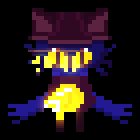
Light maps are special character sprites that stay bright at all times, like Niko’s eyes, that are automatically applied via script.
When loading a character sprite, the game looks for a light map with the same name to apply from the Graphics/Lightmaps directory.
For the niko_bulb.png character sprite, it will apply the niko_bulb.png light map:
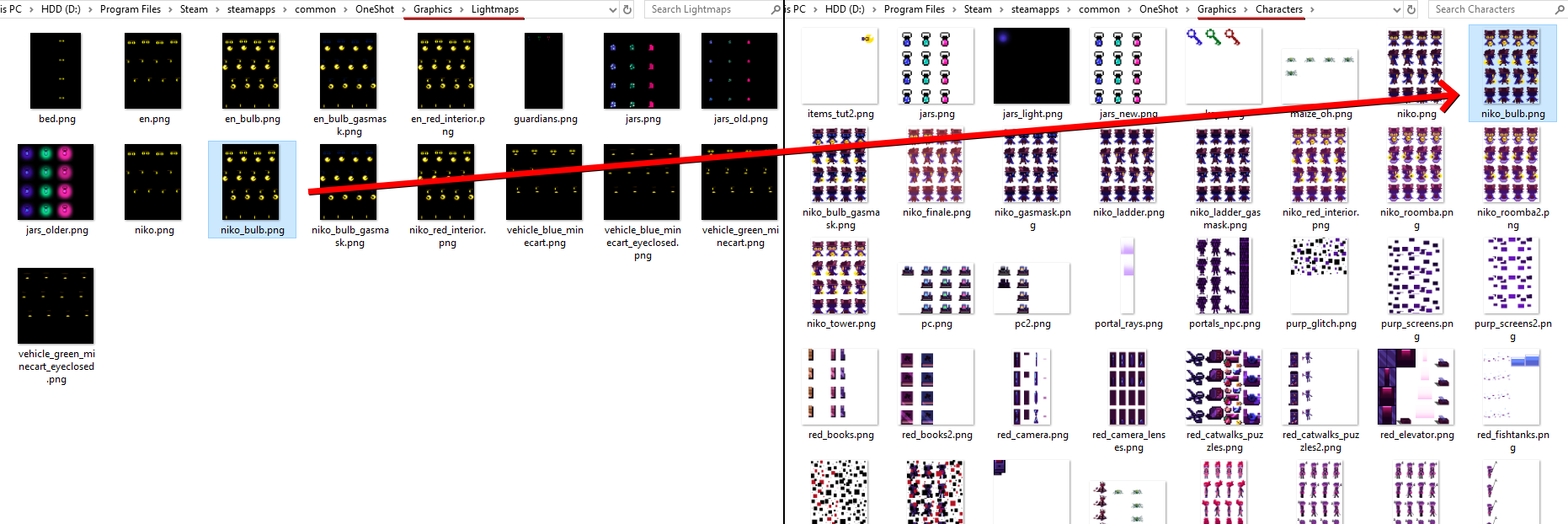 It does nothing if there’s no light map to apply.
The game simply overlays the light map over the character sprite with additive blending.
You can mimic this behavior in your sprite editor of choice by having a layer with the character sprite, and a layer on top of it set to additive blending with the light map:
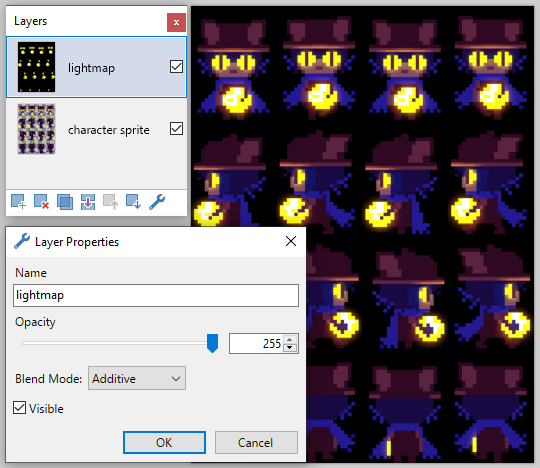
Light maps must have the same dimensions as their associated character sprite.
So be sure to check the light map if you’ve modified a sprite and it looks something like this in game: