You may often run into cases where the map gets too crowded, so it gets harder to tell what is meant to be what, and you end up spending more time than you’d like looking for that one event that changes the map’s background, especially if someone else made the map.
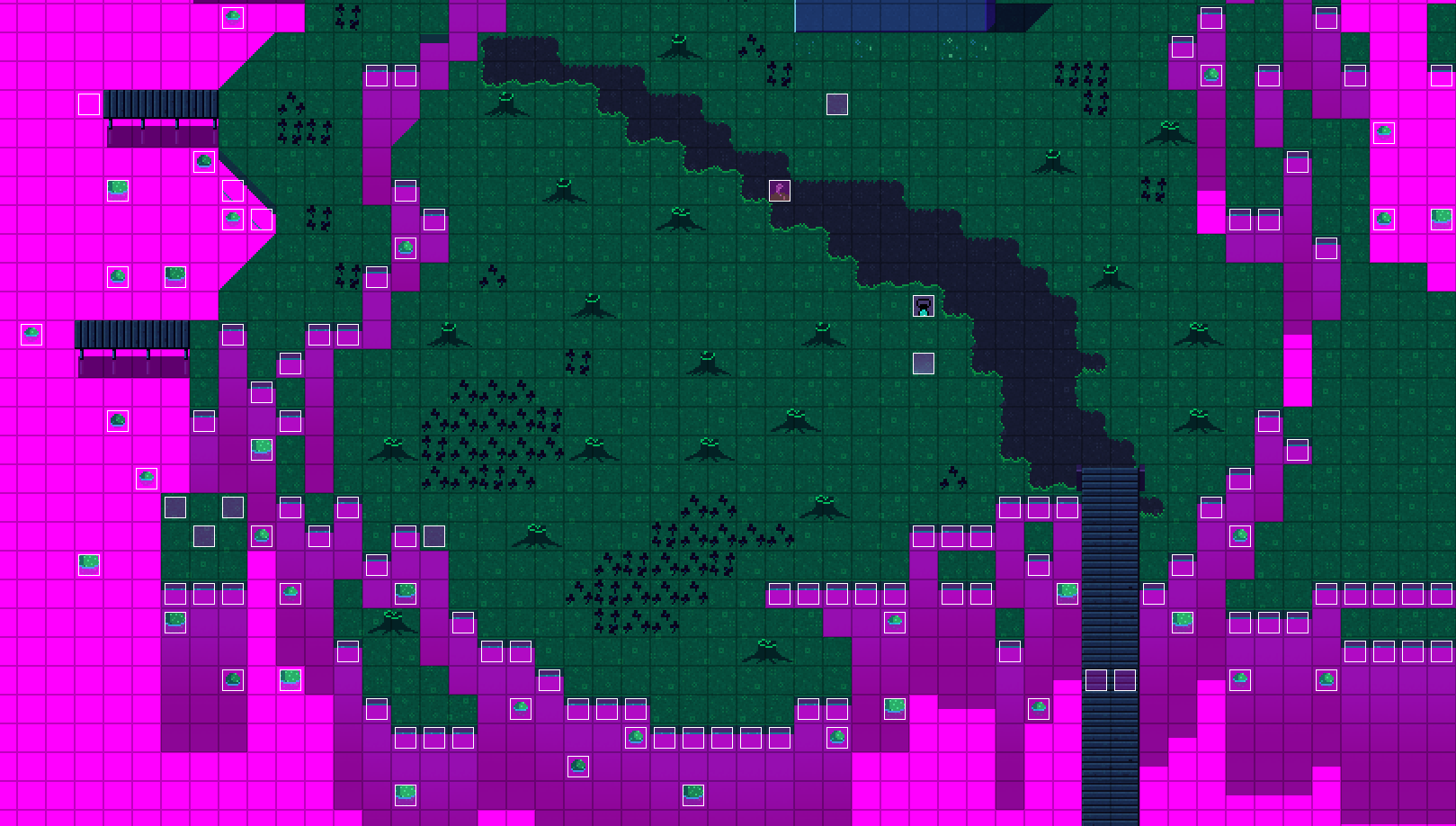
Take the Glen’s docks map for example.
Somewhere in this screenshot, are a few events that change something about the map whenever you enter it.
Can you tell where they are at a glance?
Event labels are a way for the editor to draw something that will not be visible in the game.
By prepending a sprite’s file name with a !, like !labels.png, the game will not render the sprite.
So now you can make sprites to make your life in the editor easier.
For example this sprite sheet, named !labels.png:
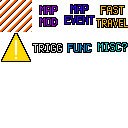 This one only has 8 labels, but that alone can significantly improve a map’s readability.
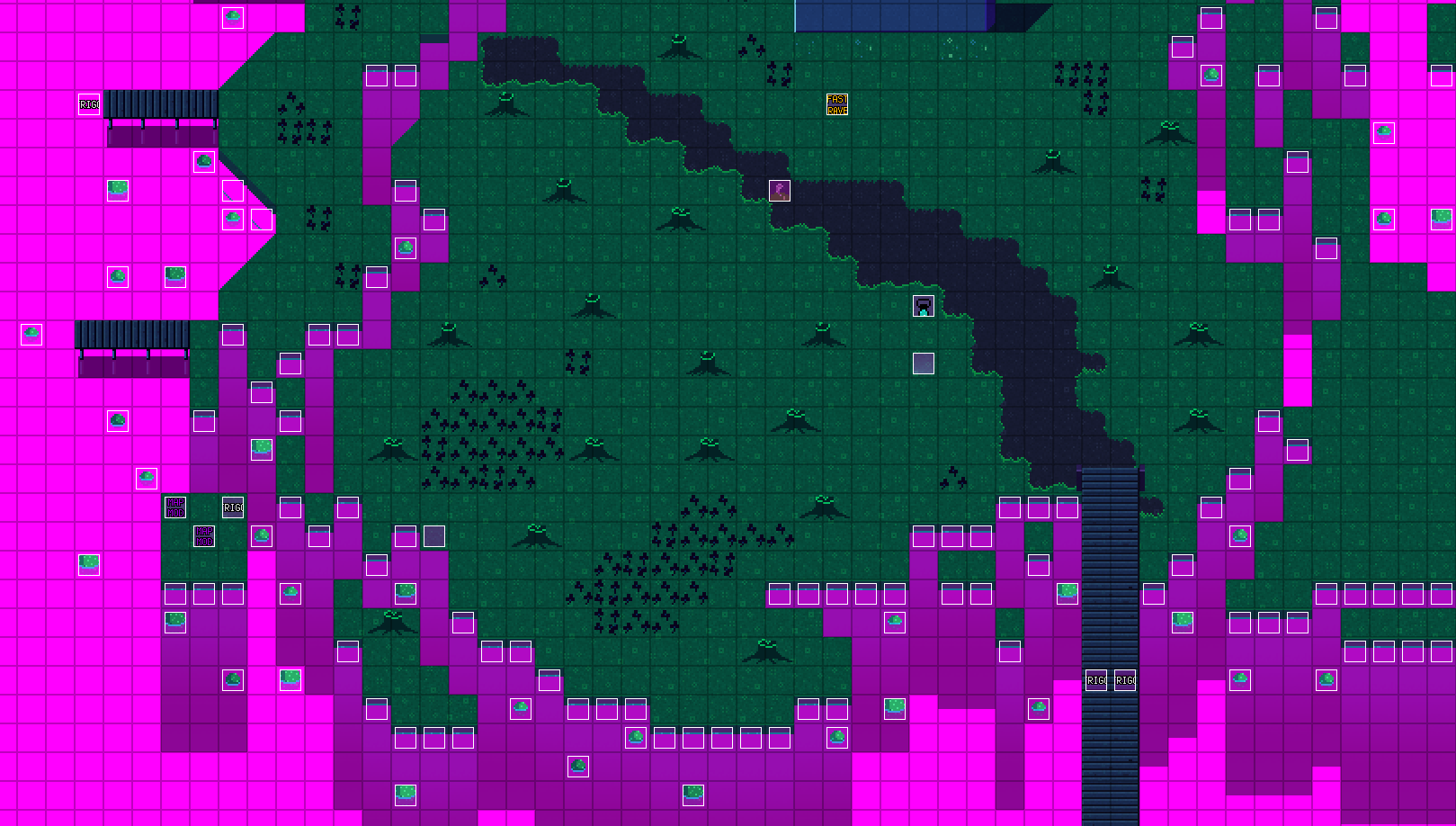
So what about that Glen map now?
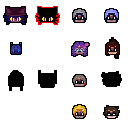
You can make your own labels for anything, like character heads for character specific events:
Or numbers so it’s easier to tell which event triggers what map event:
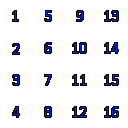
Smart use of labels can make a tightly packed mess of a map:
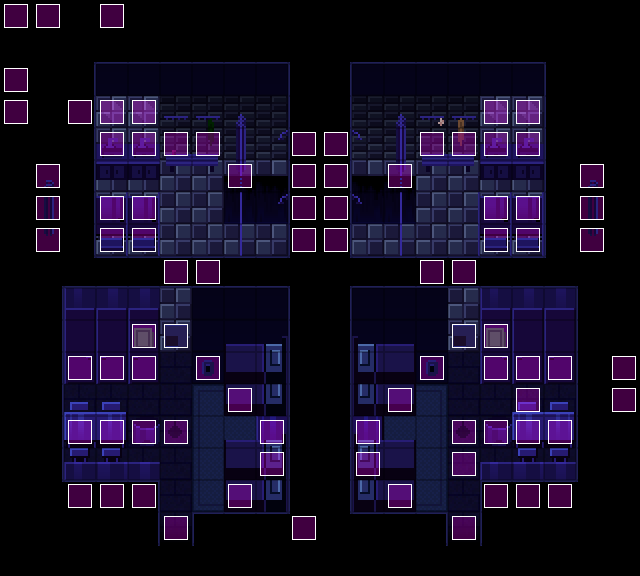
Into something that’s almost pleasant to look at:
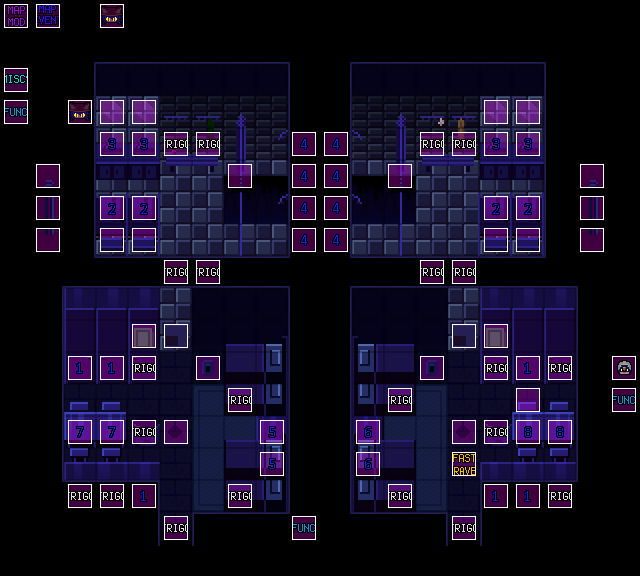
This is not limited to events.
ANY graphic asset starting with a ! will not be rendered by the game, so you can also have an invisible tileset, like how vanilla does with the blank tileset in the tower’s summit, or an invisible autotile to block player movement.